Sponsored Review — Honest Opinion
FlexClip Review 2026: The AI Video Editor That's Changing How We Create Content
We were given a year of free access to FlexClip in exchange for an honest review. After testing all 30+ AI tools, here's what we found.
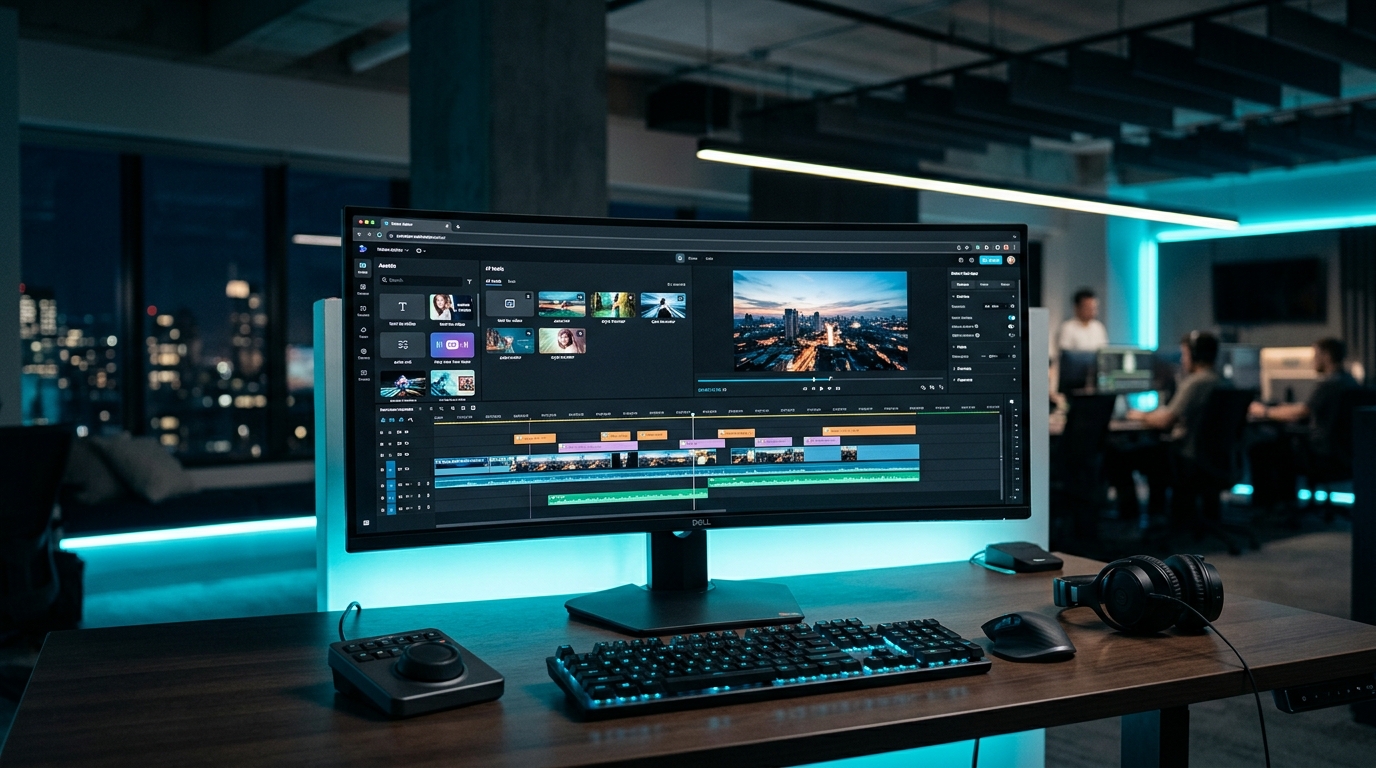
Disclosure: FlexClip sponsored AI Precision Marketing with a free year of service. This review reflects our genuine experience and honest assessment. All opinions are our own.
Our Rating
4 out of 5
Great for marketers and small businesses. Loses a star for no API and single video track.
What Is FlexClip?
FlexClip is a browser-based AI video editor built for people who need professional-looking videos without professional editing skills. Think marketers, small business owners, educators, and content creators who don't have time to learn Premiere Pro.
With over 5 million registered users and 10 million videos downloaded, it's quietly become one of the most popular online video tools. And after spending weeks testing every feature, we understand why.
The platform runs entirely in your browser — no downloads, no installations. You sign in, pick a tool, and start creating. It's that simple.
The Standout Feature: Blog-to-Video

This is the feature that caught our attention. As a marketing agency, we produce a lot of blog content. The ability to automatically convert blog posts into video content is a game-changer for repurposing.
Here's how FlexClip's Blog-to-Video tool works:
- Paste your blog URL — FlexClip's AI reads and analyzes the content
- AI generates a video — It matches stock footage from millions of clips, adds voiceover in your chosen language, and generates subtitles
- Edit in the browser — Full editor access to tweak text, visuals, music, transitions
- Export and share — Download or push directly to social platforms
For agencies managing multiple clients, this means every blog post can become a YouTube video, an Instagram Reel, or a Facebook video — with minimal manual effort. That's the kind of AI-powered efficiency we're always looking for.
30+ AI Tools — The Full Lineup
FlexClip isn't just a video editor. It's an entire AI content creation suite. Here's what's under the hood:
Video AI Tools
- AI Video Generator — Text-to-video and image-to-video using Sora 2, Veo 3, Kling AI, and Hailuo AI models
- AI Text to Full Video — Enter a prompt, get a complete video with subtitles, voiceover, and music
- AI Video Script Generator — ChatGPT-powered script writing with duration control and multilingual support
- AI Blog/URL to Video — Convert any webpage into a video automatically
- AI PDF to Video — Turn documents into narrated videos in 140+ languages
- AI PPT to Video — Convert PowerPoint presentations (up to 100 slides) to video in under 20 seconds
- AI Video Background Remover — One-click background removal, no green screen needed
- AI Auto Subtitles — Subtitle generation in 140 languages with customizable styling
- AI Product URL to Video — Paste a product link, get a promo video
Image AI Tools
- Text to Image — Generate images from text prompts
- AI Headshot Generator — Studio-quality professional headshots
- AI Image Upscaler — Enhance image resolution
- AI Background Remover — One-click photo background removal
- AI Object Remover — Remove unwanted objects from photos
- AI Old Photo Restoration — Restore aged or damaged photographs
- AI Image Extender — Extend image boundaries (outpainting)
Audio AI Tools
- AI Voice Cloning — Upload a voice sample, clone it for narration
- AI Text-to-Speech — 400+ voices across 140+ languages with adjustable speed, pitch, and volume
- AI Music Generator — Generate original music from reference tracks
- AI Sound Effect Generator — Create sound effects from text prompts
- AI Noise Reducer — Remove background noise from audio
That's not a video editor — that's an entire content production workflow in one platform.
What We Actually Used It For
As a marketing agency in Stony Plain, Alberta, we tested FlexClip against our real client workflows:
1. Blog Post Repurposing
We took our top-performing blog articles and converted them to video using the Blog-to-Video tool. The AI did a solid job extracting key points and matching relevant stock footage. The voiceover quality was surprisingly natural, and the subtitle generation was accurate.
2. Social Media Content
FlexClip supports multiple aspect ratios (16:9, 9:16, 1:1) which means you can create content for YouTube, Instagram Reels, TikTok, and Facebook from the same project. For businesses running social media marketing campaigns, the template library has 6,000+ options organized by platform and industry.
3. Client Presentations
The PPT-to-Video feature turned a static pitch deck into a narrated video in under 30 seconds. For agencies doing growth consulting, this is a quick way to make proposals more engaging.
4. Product Showcase Videos
The Product URL-to-Video tool pulled images and descriptions from a client's e-commerce page and assembled a clean promo video. For businesses investing in professional web design, adding video to product pages boosts engagement significantly. Not perfect, but a great starting point that saved hours of manual work.
Pricing — What You Get at Each Tier
| Feature | Free | Plus ($11.99/mo) | Business ($19.99/mo) |
|---|---|---|---|
| Export Quality | 720p | 1080p Full HD | 1080p Full HD |
| Watermark | Yes | None | None |
| Video Length | 10 min max | Unlimited | Unlimited |
| AI Credits | 5 free uses | 300/month | 600/month |
| Cloud Storage | — | 30GB | 100GB |
| Stock Media | 1 video + 1 audio | 5 per project | Unlimited |
At $11.99/month for the Plus plan, FlexClip is cheaper than most competitors (InVideo at $25/mo, Lumen5 at $29/mo) while offering more AI features. The Business plan at $19.99/mo is comparable to Canva Pro but with significantly more video-specific AI tools.
The Honest Downsides
No tool is perfect. Here's where FlexClip falls short:
- Single video track — You can't layer multiple video tracks like in desktop editors. For simple social content this is fine, but complex projects need a real editor.
- No API — There's no way to programmatically create videos. For agencies wanting to automate at scale, this means manual work in the browser. We'd love to see an API in the future.
- AI text in images — Like most AI image generators, text rendered in generated images can be garbled. Not a dealbreaker, but worth noting.
- Free plan watermark — The watermark on free exports makes it unusable for client work. You need at least the Plus plan.
- Export times — Longer videos (10+ minutes) can take a while to render, especially at higher resolutions.
Who Is FlexClip Best For?
- Small business owners who need social media videos without hiring a video editor
- Bloggers and content creators repurposing written content into video for better SEO performance
- Marketing agencies producing high volumes of social content for clients through workflow automation
- E-commerce sellers making product videos from existing listings
- Educators converting presentations and documents into video lessons
- Anyone who needs AI voiceover without recording equipment (400+ voices, 140 languages)
Our Verdict
FlexClip delivers on its promise: professional-looking video content without professional editing skills. The Blog-to-Video feature alone makes it worth exploring if you're a content marketer. Add in the AI voice cloning, music generation, and 6,000+ templates, and you've got a seriously capable platform at a competitive price.
Is it going to replace Adobe Premiere? No. But for 90% of marketing video needs — social media posts, blog repurposing, product promos, client presentations — it gets the job done faster and cheaper than anything else we've tested.
The biggest thing we'd like to see added is an API for automation. The browser-based workflow is smooth, but for agencies managing dozens of clients, programmatic access would be transformative.
Ready to Try FlexClip?
Start with their free plan and test the Blog-to-Video tool — paste any blog URL and watch AI turn it into a polished video.
Visit FlexClip.com → Try Blog-to-Video →Frequently Asked Questions
Is FlexClip free to use?
Yes, FlexClip has a free plan with basic features. You get 720p exports with a watermark, 10-minute max video length, and 5 free AI uses. Paid plans start at $11.99/month.
Can FlexClip convert my blog posts to video?
Yes — the AI Blog-to-Video tool lets you paste any blog URL. FlexClip's AI extracts the key content, matches stock footage, adds voiceover and subtitles, and generates a complete video you can edit and export.
Does FlexClip have an API?
No, FlexClip currently does not offer a public API. All video creation is done through their browser-based editor. We're hoping they add API access in the future for automation workflows.
How does FlexClip compare to Canva for video?
FlexClip has significantly more video-specific AI tools (30+ vs Canva's handful). Canva is better for general design work, but for video creation — especially AI-powered features like blog-to-video, voice cloning, and AI music — FlexClip is the stronger choice at a comparable price point.
How many people use FlexClip?
FlexClip has over 5 million registered users and more than 10 million videos have been downloaded from the platform. It's one of the most popular browser-based video editors available.
Related reading
- The Complete Guide to AI Marketing for Alberta Small Businesses in 2026
- AI Content Marketing That Converts: Proven Copywriting Tactics for Stony Plain & Spruce Grove Businesses
- Spruce Grove Marketing: Your 2026 AI Playbook for Local Business Growth (Alberta Entrepreneurs, Pay Attention)
- AI-Powered Social Media for Stony Plain & Spruce Grove: Automate, Create & Grow in 2026
Sources & further reading
Ready to put this into action? Explore AI Precision Marketing's social media management for Stony Plain, Spruce Grove, and Edmonton businesses.